Instant Practice.
Zero Setup Required.
Start learning Docker in seconds with our managed cloud sandboxes. We provide the infrastructure, you provide the curiosity. Perfect for quick experiments and standard curriculum labs.
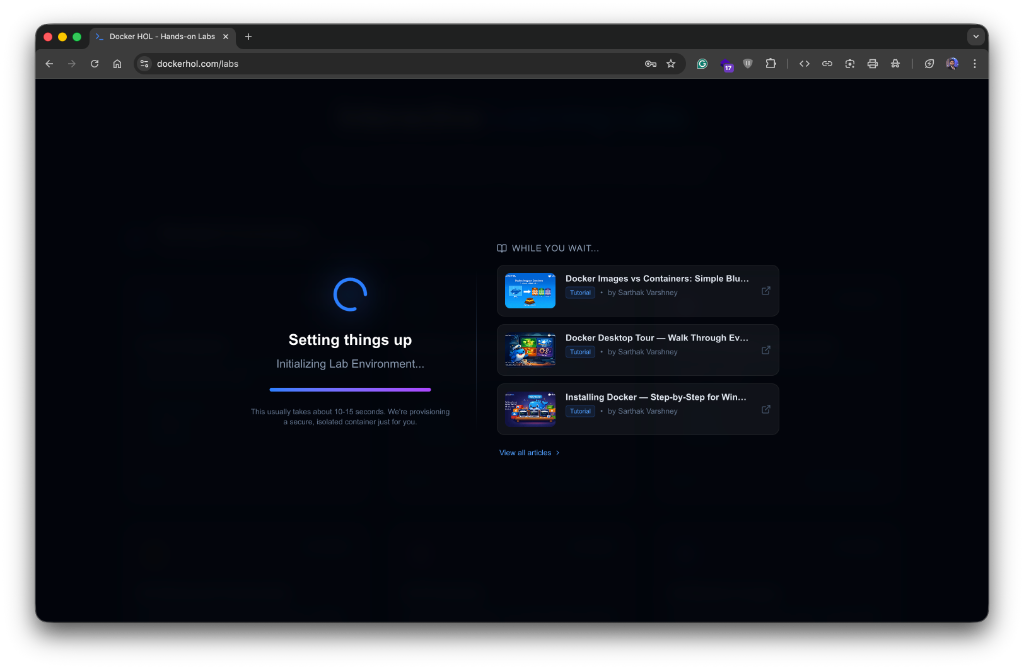
Instant Provisioning
Your environment is ready in under 5 seconds. No downloading images or configuring daemons.
In-Browser Terminal
Access a full-featured Linux shell directly from your dashboard. No SSH or local terminal needed.
Isolated Sandbox
Every session runs in a fresh, isolated container. Your experiments are safe and won't affect anything else.
Launching a Cloud Lab
The fastest way to get hands-on experience.
Select "Run on Cloud"
When you open a lab, the default option is Run on Cloud. This is recommended for all standard labs (Modules 01-12).
- Ubuntu-based environment
- Docker Engine pre-installed
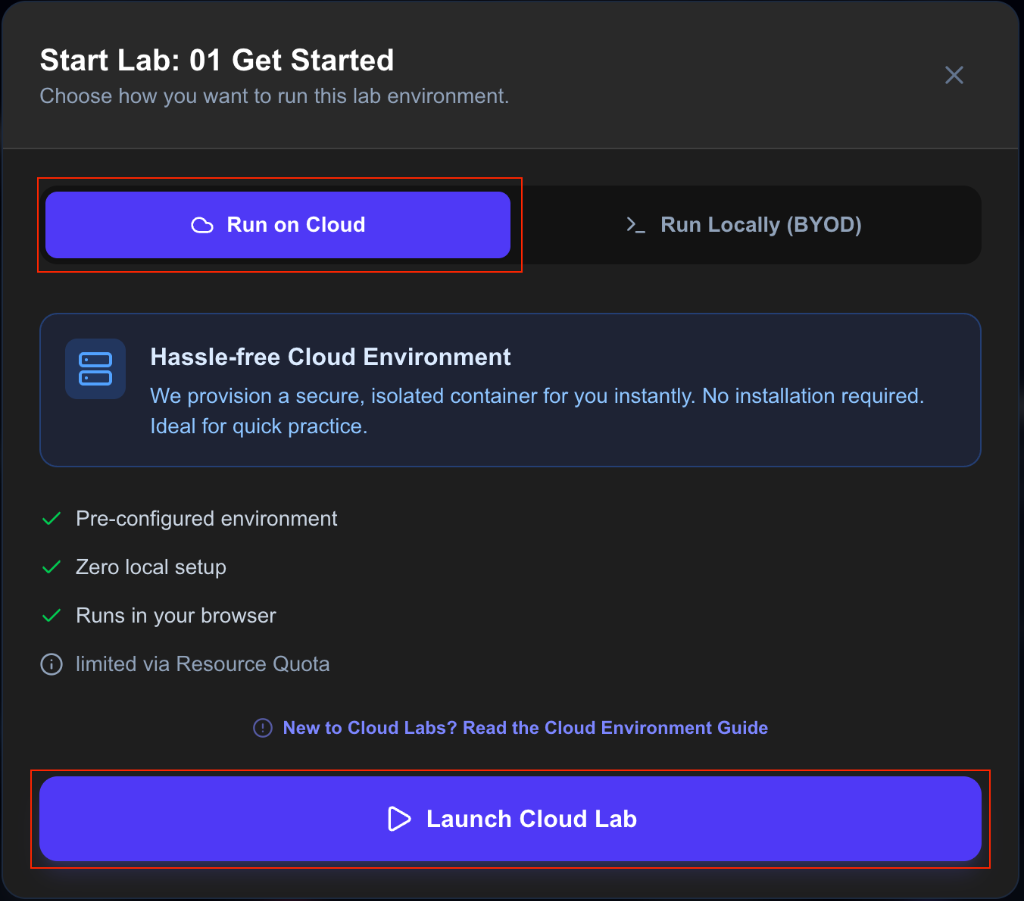
Launch & Practice
Simply click Launch Cloud Lab. Our system handles the heavy lifting, provisioning your dedicated sandbox and opening the terminal automatically.
Key Functionality
What's included in your cloud sandbox.
Standard Environment
Every sandbox is powered by an optimized Docker image containing the exact version of the tools needed for your specific lab.
- Docker CLI & Engine
- Common Networking Utilities
- Text Editors (Vim, Nano)
Auto-Cleanup
Once your session duration ends or you manualy terminate, the container is completely wiped. No residual data or costs.
- Automated Lifecycle
- Resource Efficient
- Secure Disposal
Ready to Launch?
The cloud environment is the recommended way for most students to learn Docker fundamentals.